
Airbnb Pack
A warm welcome.
Even when you’re not there.
Bring WiFi details and your digital guestbook together for short-term rentals. Give guests one QR starting point for house information and useful local links.
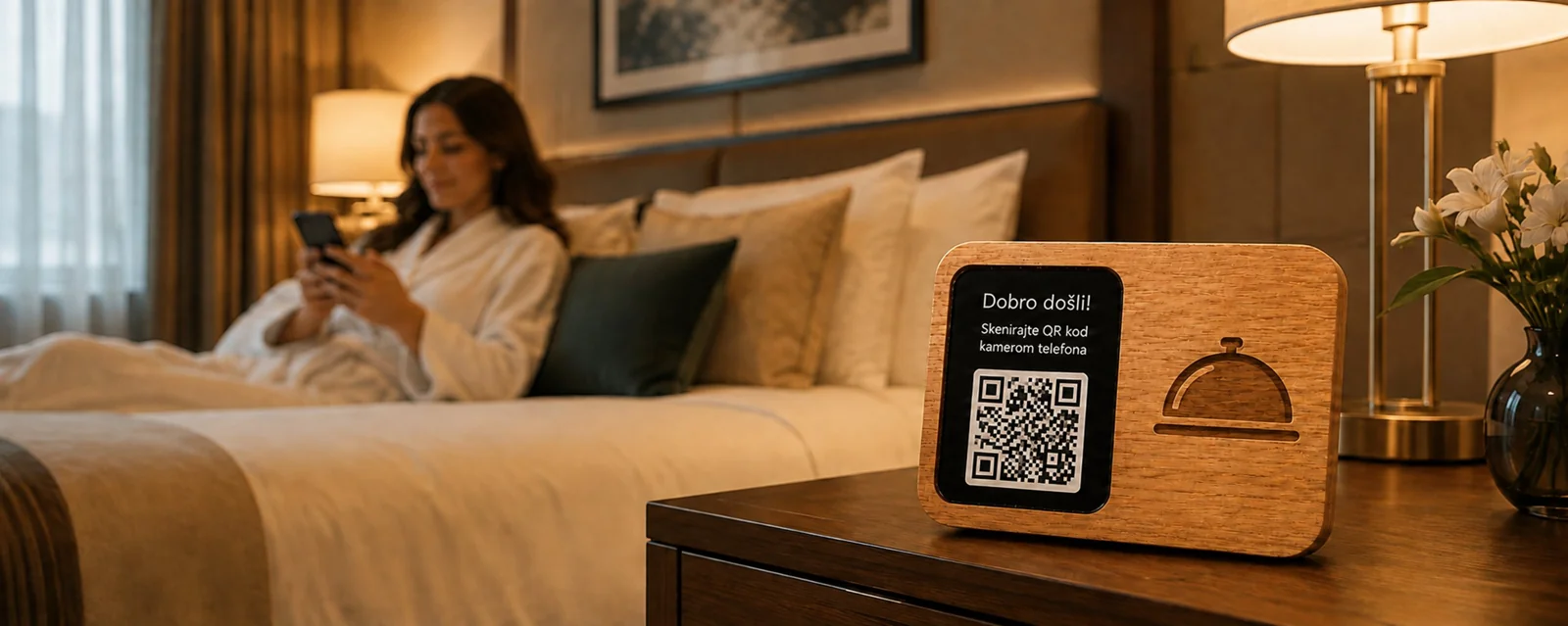
Less friction. More possibility.
Make arrival simpler
Put your WiFi connection details where guests can find them without messaging you.
Keep house information together
Link check-in guidance, house rules, appliance instructions and your existing guestbook.
Share your local favourites
Add useful links to nearby services, transport and recommendations selected by you.
Easy for guests.
Useful for your business.
- 01
Prepare your welcome
Share the information and links you want guests to have.
- 02
Place your QR stand
Give the code a visible place in your rental.
- 03
Welcome every arrival
Guests scan to find WiFi details and the information they need during their stay.
Before you get started
Good questions.
Clear answers.
A simpler guest experience starts with knowing what to expect.
Do I need to replace my guestbook?
No. You can link an existing digital guestbook or discuss a welcome page built around your information.
Can I manage more than one rental?
Tell us how many properties you operate. We will confirm the welcome pages, stands and licensing needed for your setup.
Is this an Airbnb integration?
This is a myWiFi solution for short-term rental hosts. It does not imply affiliation with Airbnb or automatic access to reservation data.
A better connection starts here
Give every visit a next chapter.
Tell us about your venue. We’ll show you the right combination of WiFi, menus and guest engagement.