myWiFi Social
Turn guest WiFi into
your next guest visit.
Give guests a welcoming WiFi login. Build a permission-based audience. Bring them back with relevant email, Viber and SMS campaigns.
Less friction. More possibility.
Make the first impression yours
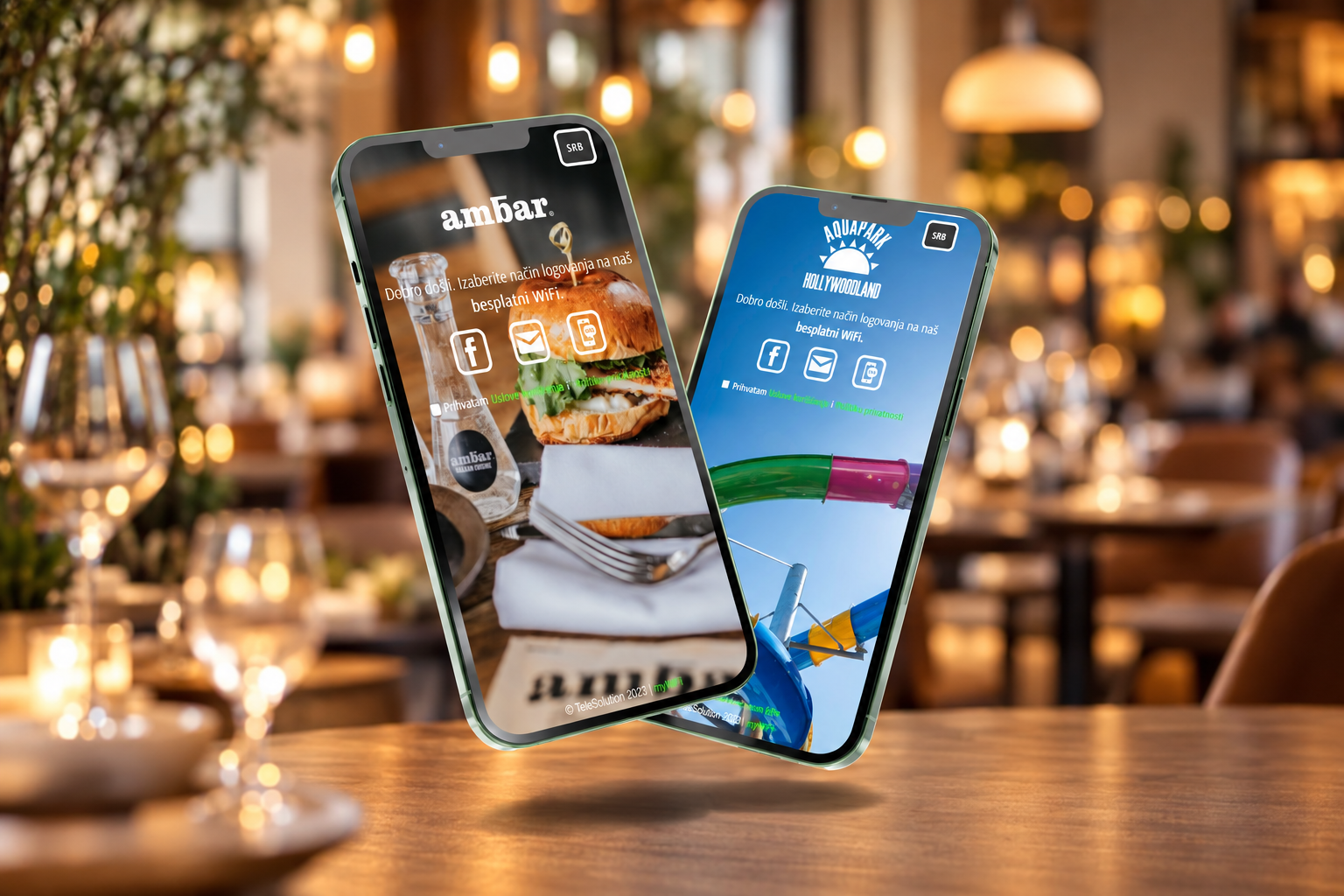
Welcome guests with your logo, visuals, offers and a login page designed for your venue.
Build your own audience
Collect the details guests choose to share through your configured login and permission options.
Keep the conversation going
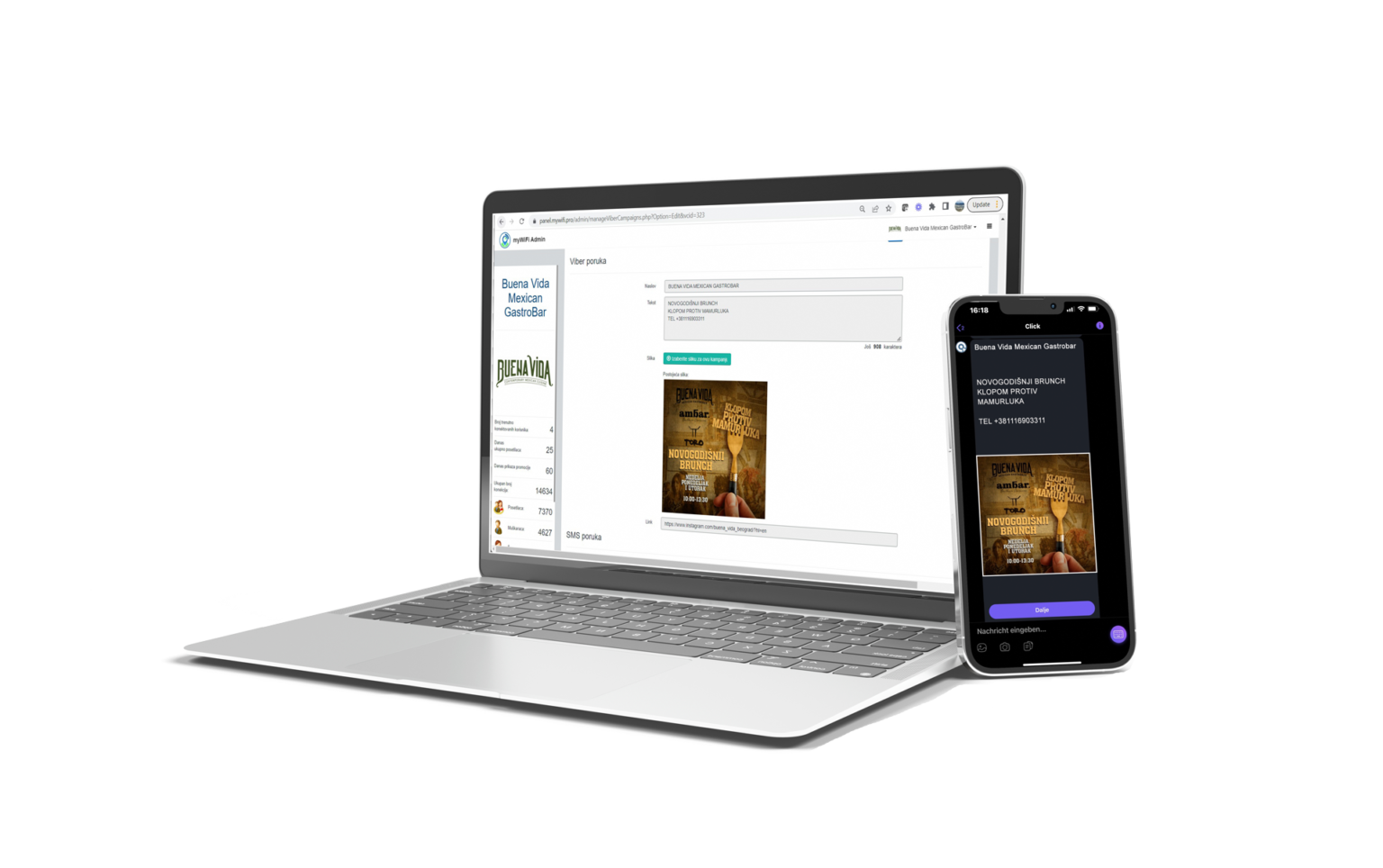
Schedule email, Viber and SMS messages for guests who have agreed to hear from you.
Understand guest visits
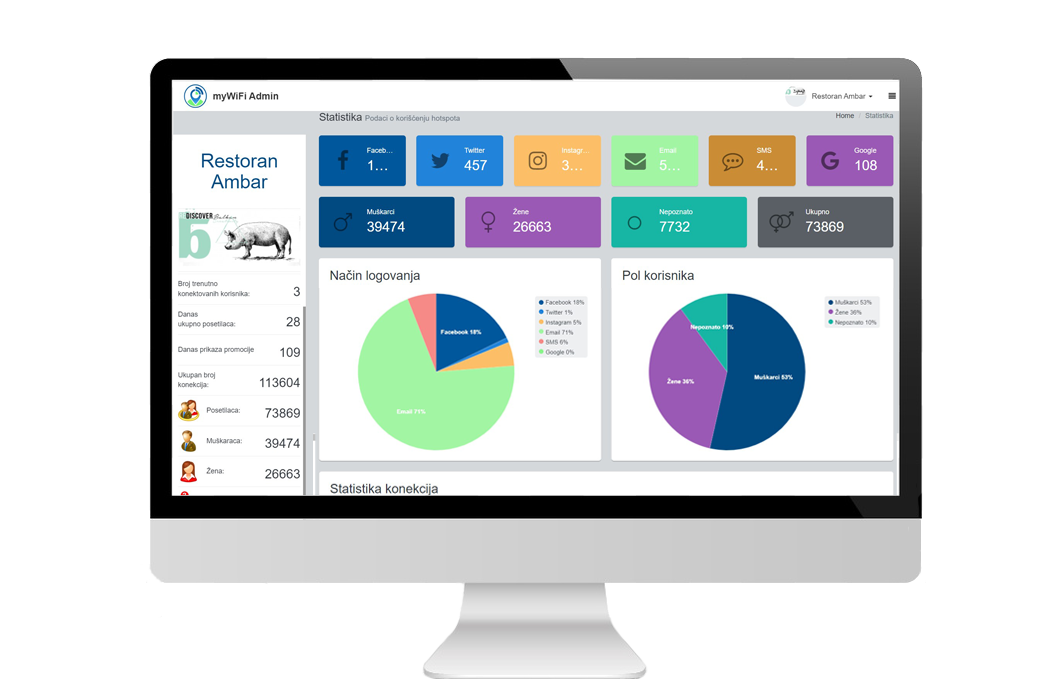
See new and returning visitors, busy periods and visit frequency in one dashboard.
Automate useful moments
Set up thank-you emails, return-visit invitations and birthday messages when the necessary data is available.
Manage every location
Update login pages, review activity and manage campaigns across participating venues.
Easy for guests.
Useful for your business.
- 01
Connect
Guests select your venue’s WiFi and open your branded welcome page.
- 02
Get to know your guests
The chosen login flow collects relevant details and records the guest’s permissions.
- 03
Give them a reason to return
Use your dashboard to create timely messages, offers and invitations.
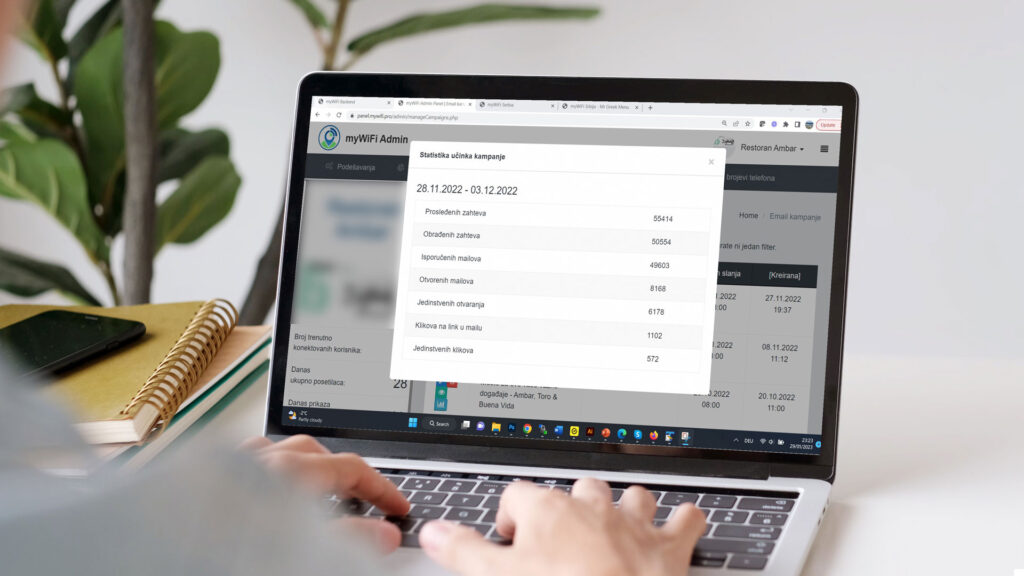
One dashboard. Every location.
See the visit.
Plan the next one.
Understand when guests arrive and how often they return. Use those insights to plan a weekday offer, a new-menu announcement or an invitation to an event.
Before you get started
Good questions.
Clear answers.
A simpler guest experience starts with knowing what to expect.
Does this work with our existing WiFi?
Often, yes. We review your router, access points and coverage, then confirm any gateway or configuration work needed.
Which login methods can we use?
Email, SMS and supported social login methods can be configured. Availability depends on the device, provider and captive browser; we confirm suitable options during setup.
Is marketing permission the same as WiFi access?
No. Your registration and marketing choices need to be configured clearly. Campaign audiences should include only guests with the appropriate permission.
Do guests need an app?
No myWiFi app is required. Guests use the WiFi welcome page on their phone. The exact connection flow depends on their device and your network.
A better connection starts here
Give every visit a next chapter.
Tell us about your venue. We’ll show you the right combination of WiFi, menus and guest engagement.