
Guest WiFi · 4 min read
A shared password tells you very little
A password shared with every guest provides access, but it does not give you a clear view of individual sessions. A managed hotspot adds a configured welcome and login flow that can help you operate guest access more consistently.
Keep the guest network separate
Your guest experience should be planned alongside your network configuration. Ask your network provider about separating guest access from staff devices, business systems and payment equipment. A branded welcome page by itself is not a replacement for network security.
Understand what your session records contain
Useful records may include session start and end times, assigned network addresses and the login method used. What is available depends on the system and configuration. A session or email login is not, by itself, proof of a person’s legal identity.
Collect what you need—and manage it responsibly
Define the data you need, who can access it and how long it should be kept. Security records and marketing permissions serve different purposes. Discuss local requirements with an appropriate adviser and make sure the guest-facing information matches your setup.
Keep the guest experience simple
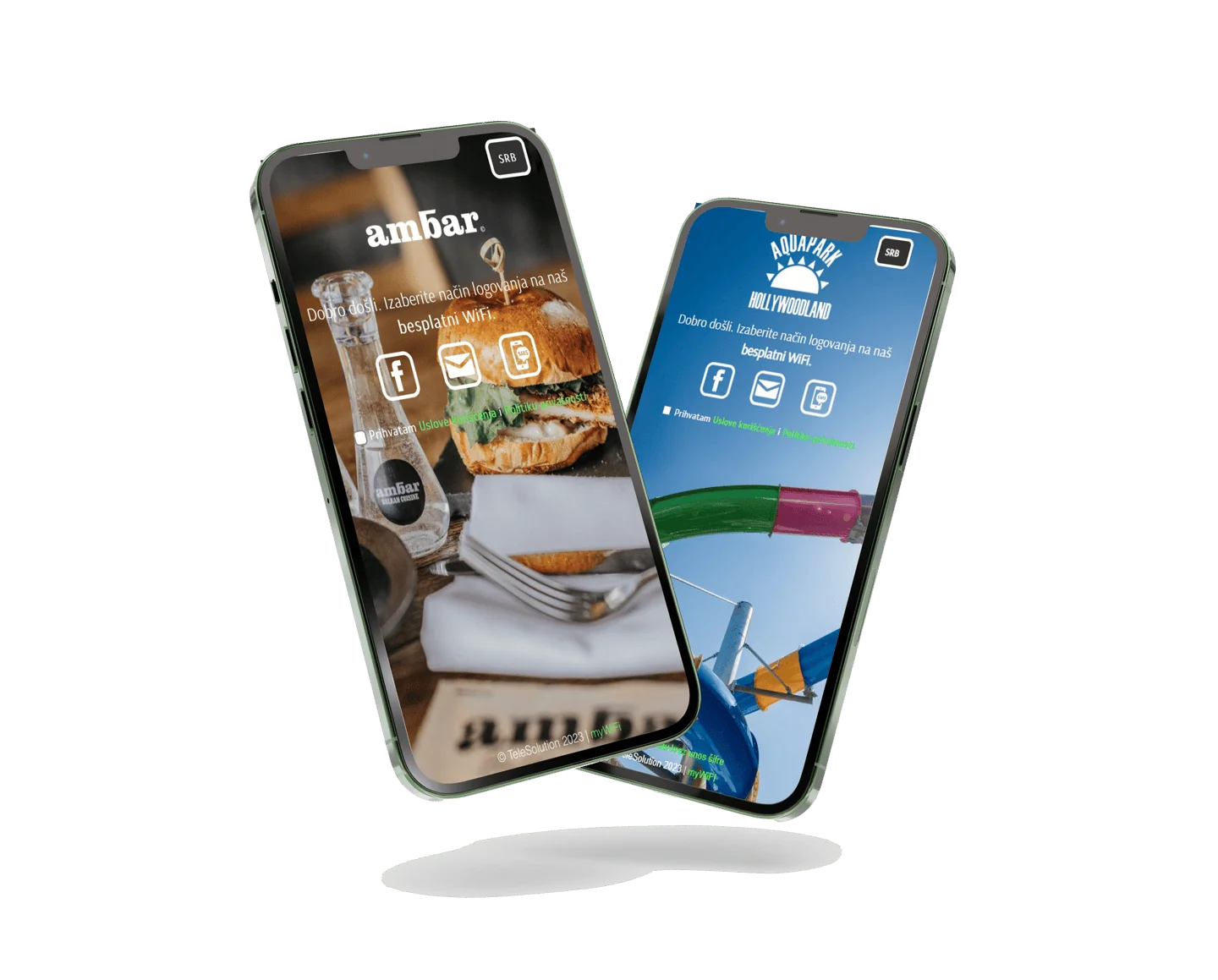
A professional setup can still feel welcoming. Guests select the network, follow a clear login flow and get online. myWiFi Social combines that branded experience with visitor insights and configured guest registration.
Make WiFi part of a better visit.
See how myWiFi Social could work for your venue.
Explore myWiFi Social